# Tableau Connector Methods

> Use the following instructions to learn how to obtain data with the Trading Economics Tableau API Connector.

Source: https://docs.tradingeconomics.com/tableau/methods/

There are six main methods in which you can get data from the TE API, these being Indicators, Calendar, Forecast, Markets, Earnings, and News.

![Tableau methods 1](../images/tableau-methods-1.png)

### Indicators

![Tableau indicators 1](../images/tableau-indicators-1.png)

<p>**All Indicators**</p>

![Tableau indicators 2](../images/tableau-indicators-2.png)

<p>**Historical Data**</p>

![Tableau indicators 3](../images/tableau-indicators-3.png)

<p>**Credit Rating**</p>

![Tableau indicators 4](../images/tableau-indicators-4.png)

<p>**Updates**</p>

![Tableau indicators 5](../images/tableau-indicators-5.png)

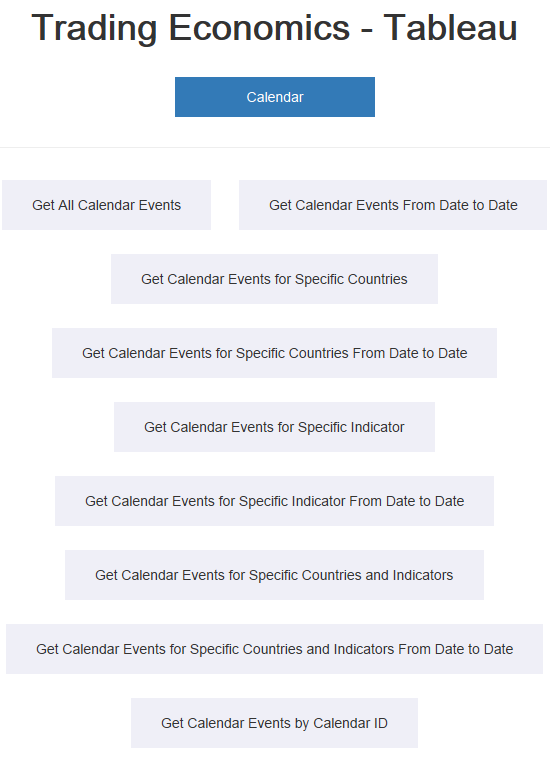
### Calendar

![Tableau calendar 1](../images/tableau-calendar-1.png)

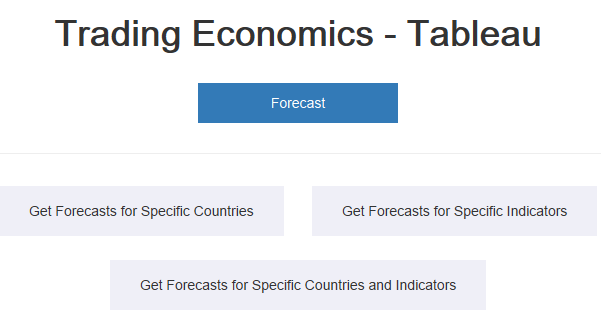
### Forecast

![Tableau forecast 1](../images/tableau-forecast-1.png)

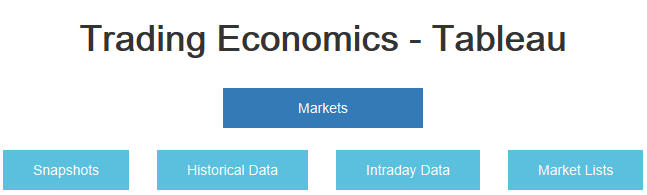
### Markets

![Tableau markets 1](../images/tableau-markets-1.png)

<p>**Snapshots**</p>

![Tableau markets 2](../images/tableau-markets-2.png)

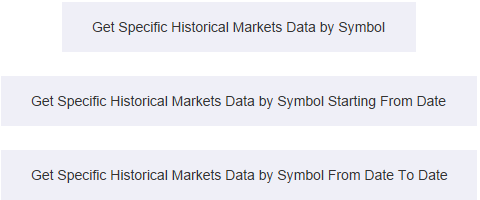
<p>**Historical Data**</p>

![Tableau markets 3](../images/tableau-markets-3.png)

<p>**Intraday Data**</p>

![Tableau markets 4](../images/tableau-markets-4.png)

<p>**Market Lists**</p>

![Tableau markets 5](../images/tableau-markets-5.png)

### Earnings

![Tableau earnings 1](../images/tableau-earnings-1.png)

### News

![Tableau news 1](../images/tableau-news-1.png)

<p>**Latest News**</p>

![Tableau news 2](../images/tableau-news-2.png)

<p>**Latest Articles**</p>

![Tableau news 3](../images/tableau-news-3.png)

### Info Inputs

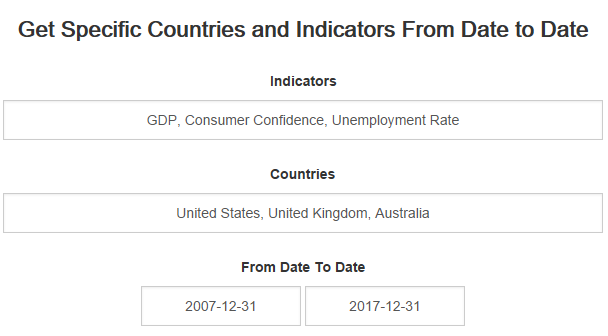
After choosing a way of getting data, depending on the option, many different input fields are displayed. These can be Countries, Indicators, Date, Symbols and many others.
Please pick only one indicator/country/symbol if Tableau fails to display multiple ones.
![Tableau info 1](../images/tableau-info-1.png)

### API Key

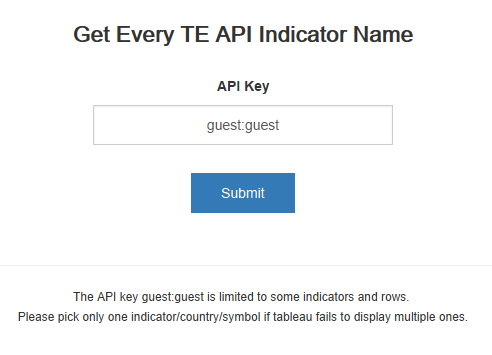
Before submitting your data request insert your API Key. Please [subscribe](https://tradingeconomics.com/api/pricing.aspx?source=mcp) to one of our plans if you do not have one.
![Tableau api 1](../images/tableau-api-1.png)

After all is set click on the Submit button.
Your data will be displayed in Tableau Software.