Trading Economics Excel Add-Ins
The Trading Economics Excel add-ins connect Microsoft Excel to our API, giving you direct access to 300,000 economic indicators, exchange rates, stock market indexes, government bond yields, commodities, calendars, forecasts, and historical data.
This section is the starting point for both Excel experiences:
- The Excel Desktop Add-In for Windows and classic Excel installations
- The Excel Web Add-In for Excel for Web and Microsoft 365
Choose the guide that matches how you use Excel.
Excel Desktop Add-In
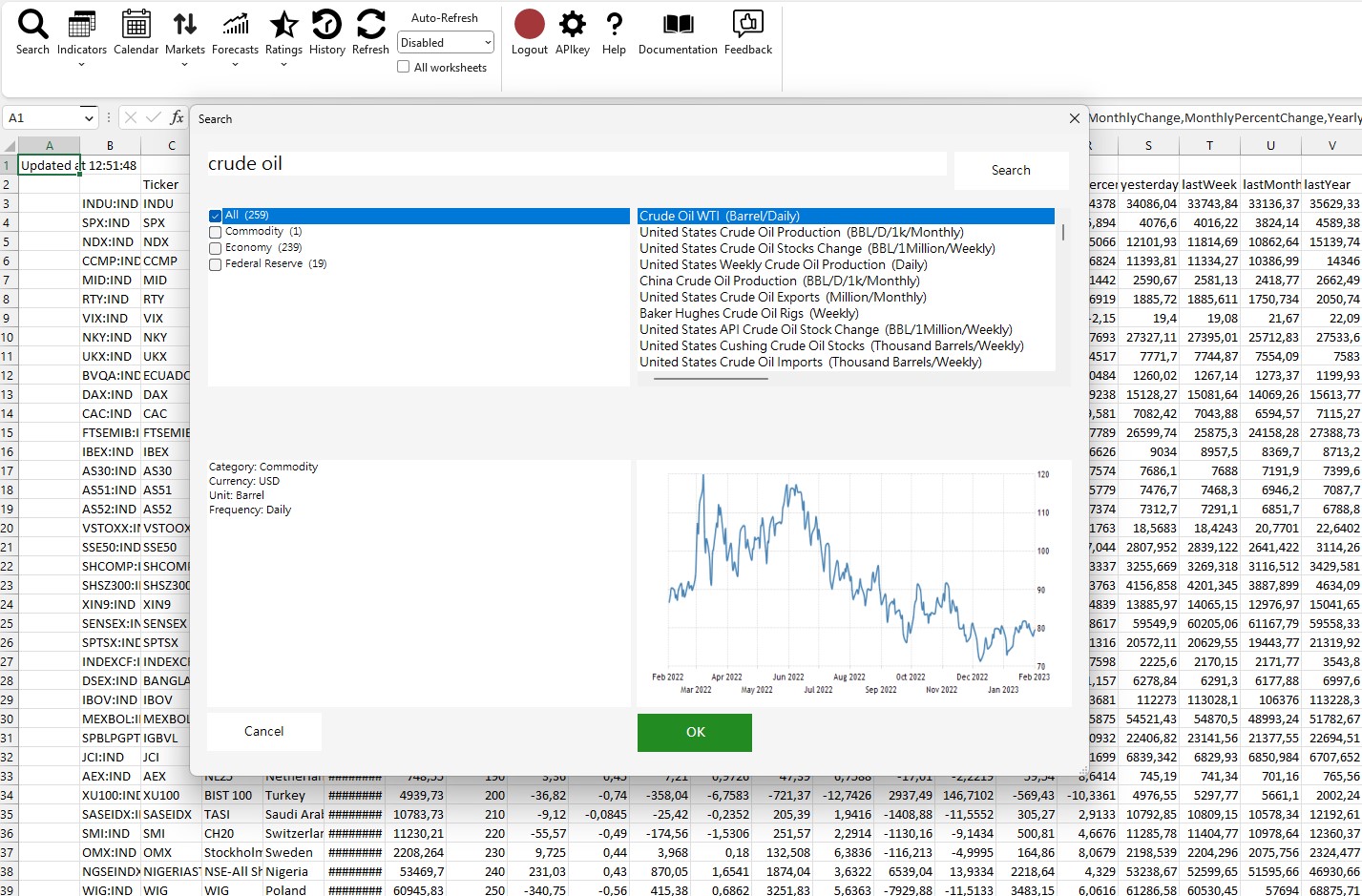
The desktop add-in is designed for Windows users working in the installed Excel application. It includes a ribbon-based interface for search, indicators, calendar, markets, forecasts and ratings.
Open the Excel Desktop Add-In guide
Excel Web Add-In
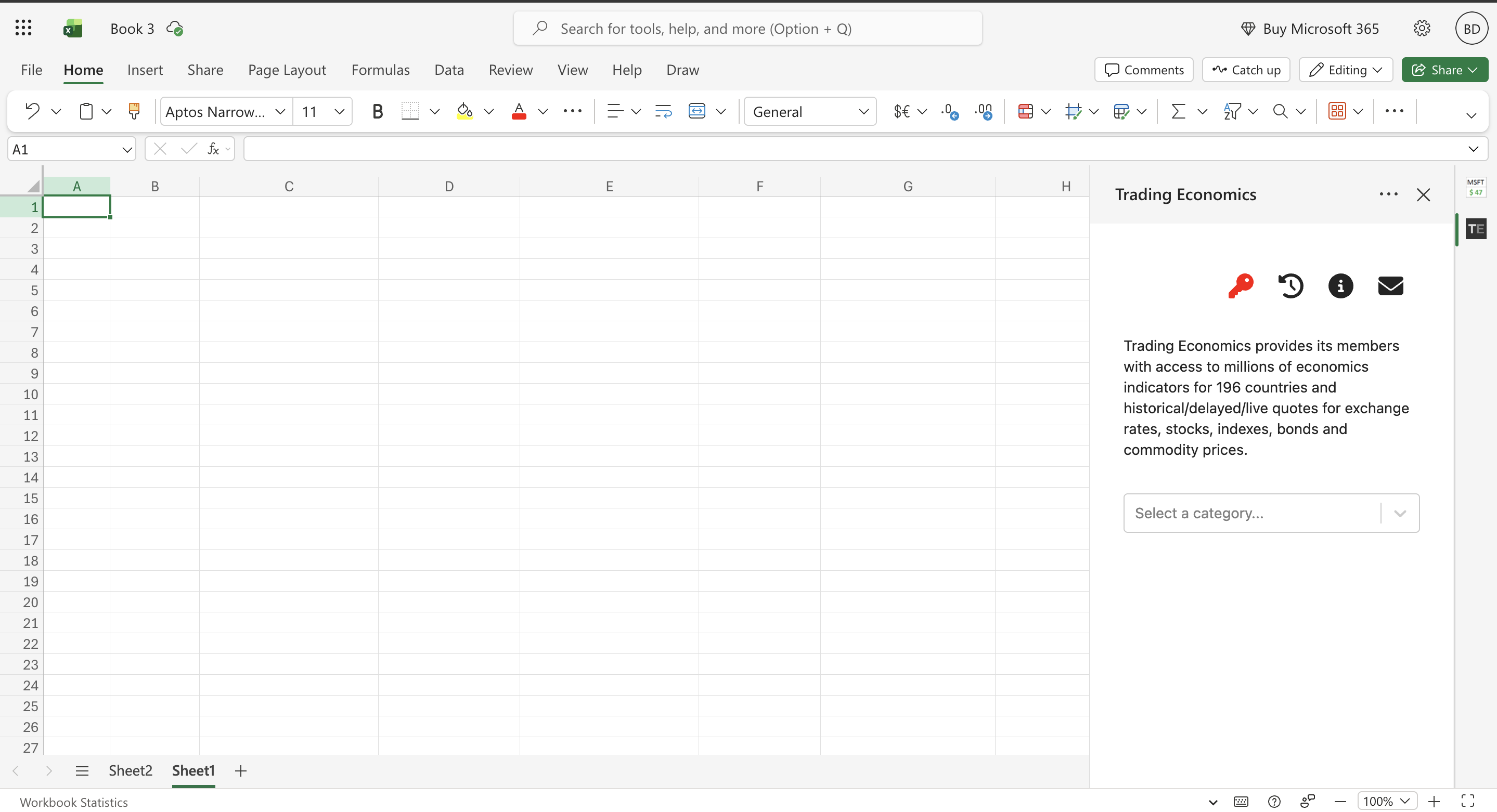
The web add-in is designed for Excel for Web and Microsoft 365 environments. It gives you access to the same Trading Economics data through a task pane experience that works across browser-based and modern Excel setups.
Open the Excel Web Add-In guide
Next Steps
- Use the desktop guide if you install the add-in with the Windows installer and work from the Excel ribbon.
- Use the web guide if you access Trading Economics from Excel for Web, Microsoft 365, or the Office add-ins store.
- After choosing your platform, continue with installation, login, and API key setup in the corresponding guide.